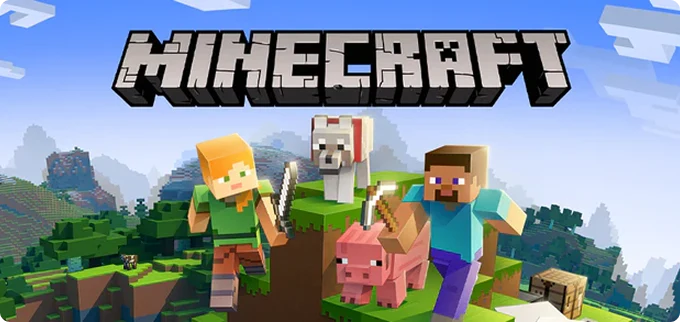
Minecraft continues to be one of the most customizable games in modern gaming. With modded servers, you can enhance gameplay through custom weapons, biomes, quests, automation mods, and more. Setting up your own modded server is the best way to enjoy the game with friends while having complete control over performance and features.
What You Need Before Starting
- A PC or VPS capable of running Java applications
- Java 17 or higher installed
- At least 4GB of RAM (more recommended for large modpacks)
- Forge or Fabric modloader
- Identical mods on both server and client
Step 1 — Install Forge or Fabric
Visit the official Forge or Fabric website and download the installer for the Minecraft version you want. Run the installer and create a server directory. Launch the server once so it generates all configuration files.
Step 2 — Add Your Mods
Download mods from trusted sites like CurseForge or Modrinth. Place all .jar files inside the mods/ folder of your server. Ensure all players install the same mods to avoid version conflicts.
Step 3 — Configure Server Settings
- Enable command blocks for adventure or quest mods
- Increase max tick time for heavy modpacks
- Edit server.properties to adjust view distance
Step 4 — Optimize Performance
Modded Minecraft is heavy on CPU usage. Improve TPS by enabling Aikar flags, pre-generating chunks, or lowering simulation distance. Always monitor performance with tools like Spark or Spark Profiler.
Growing Your Community
Create a Discord server, install quality-of-life mods, and host weekly events. A stable and engaging modded server can quickly attract a loyal player base.
 Abhi
Abhi 
